Knowledge map
The map draws everything Laika Orbit recall has indexed, grouped by what it is (plans, specs, legal, code…) and where it lives. Chats and routines orbit alongside.
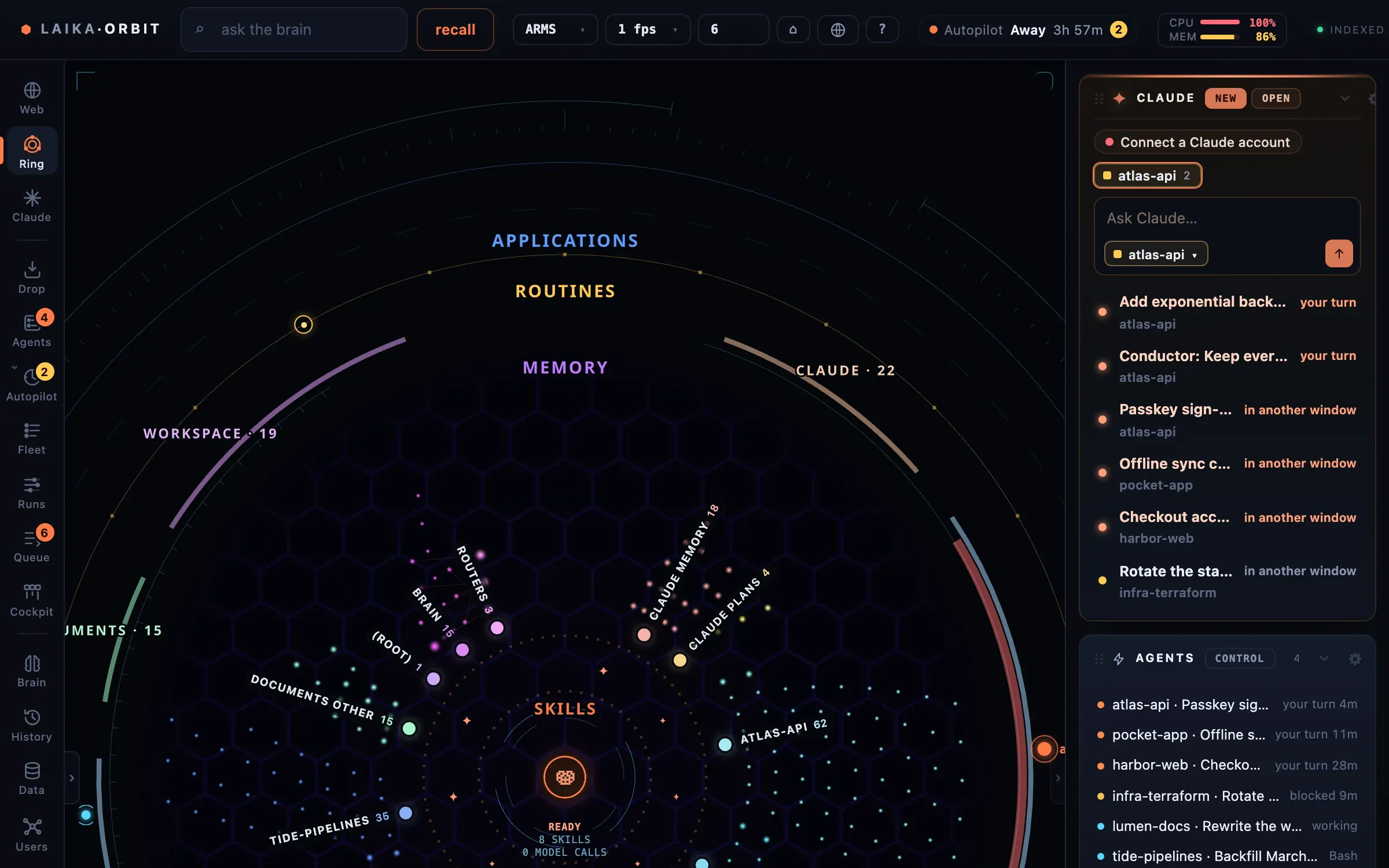
Files, chats and routines grouped in rings by what they are, with each repo’s chats around the edge.
Moving around
Section titled “Moving around”| Keys | Action |
|---|---|
| Drag | Pan |
| ⌥ drag, or right/middle button | Orbit |
| Scroll | Zoom to the pointer |
| W A S D | Fly (hold ⇧ for speed) |
| Q E · ↑ ↓ | Orbit · tilt |
| 0 | Reset the view |
| f | Frame the selected node |
| 1 2 3 | Layouts: ARMS · Rings · Packed |
Click a node to open it; double-click flies to it. space previews the selected file.
Search
Section titled “Search”⌘K (or /) opens spotlight: files, actions, and questions answered by Laika Orbit recall.
What gets indexed
Section titled “What gets indexed”Press i for the index settings. Out of the box only the Laika Orbit folder itself is
indexed. Add sources (any folder, such as ~/Documents/Projects or ~/dev) and choose, for each:
- which files to include or exclude (glob patterns)
- whether to index file contents or only names
- how deep to go
The same settings are used by the CLI and the MCP server. They’re saved to
brain/index.config.json; see Index configuration.
.docx, .rtf and .odt files are read with macOS textutil, and PDFs with pdftotext when it’s
installed.